OpenID Connect in Elsa Studio 3.7
By Sipke Schoorstra · 2026-06-14
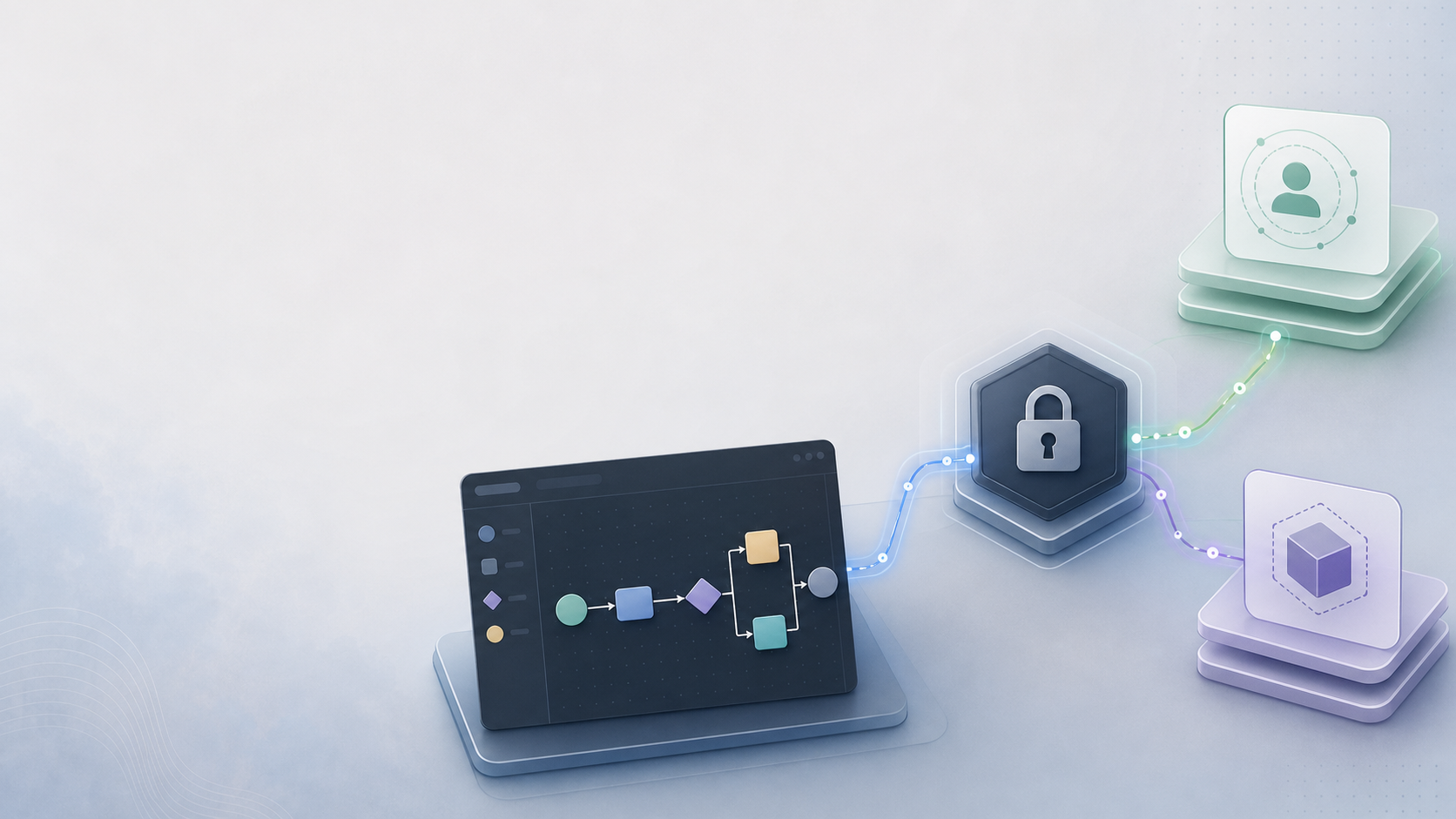
Elsa Studio 3.7 added a cleaner OpenID Connect authentication model, with separate Blazor Server and WebAssembly packages instead of one login implementation trying to cover every host.
Elsa Studio 3.7 added OpenID Connect support in the place where it belongs: the host-specific authentication layer. Blazor Server uses ASP.NET Core cookie plus OIDC authentication, while Blazor WebAssembly uses the framework's browser-side authentication library (Microsoft Learn, 2026; Microsoft Learn, 2026).
For local development, a built-in username and password flow is convenient. You start the server, open Studio, log in, and get on with designing workflows. That is still useful.
But many Elsa deployments do not live in that world for very long. Studio often ends up inside a company environment where identity is already decided: Microsoft Entra ID, IdentityServer, Keycloak, Auth0, Duende, Okta, or another OpenID Connect provider sitting in front of internal tools.
At that point the question is not "can Studio show a login screen?"
The question is "can Studio participate in the same identity boundary as the rest of the application?"
Elsa Studio 3.7 added a much cleaner answer to that question.
The work landed before the 3.7 release, mostly through elsa-studio PR #721 and elsa-studio PR #723, and shipped with Elsa 3.7.0. Since then, the README guidance has also been tightened in elsa-studio PR #841 and elsa-studio PR #872.
It is not the newest thing in the repository anymore, but it is worth calling out because it addresses a long-running demand signal: people wanted Studio to work with their existing OpenID Connect setup instead of treating authentication as something bolted onto the sample host.
Key Takeaways
- Elsa Studio now has separate OIDC packages for Blazor Server and Blazor WebAssembly hosts.
- Server-hosted Studio can use cookies, protected authentication tickets, and optional confidential-client settings.
- WebAssembly Studio remains a public browser client, so it uses framework-managed token acquisition and no client secret.
- Hosted WebAssembly OIDC has one easy-to-miss startup dependency: load Microsoft's
AuthenticationService.jsbefore Blazor starts.
If you are also tightening the host around Studio, this OIDC work sits next to the broader shell and security work covered in configuring Elsa with shell features, secret references in Elsa 3.8, and the deliberately split Elsa Studio dashboard.
Why split the OIDC packages?
Elsa split OIDC into hosting-specific packages because Blazor Server and Blazor WebAssembly have different security boundaries. ASP.NET Core's OIDC handler is designed for server-side web apps, while Blazor WebAssembly uses Microsoft.AspNetCore.Components.WebAssembly.Authentication in the browser (Microsoft Learn, 2026).
An OIDC Studio host is the application that runs Elsa Studio and participates in the organization's identity boundary. In our experience, most production confusion comes from treating that host as a generic sample app instead of an authenticated client with its own deployment and token rules.
The interesting part is that the implementation stopped pretending there is one correct authentication shape for every Studio host.
Blazor Server and Blazor WebAssembly are different applications from a security point of view.
In Blazor Server, the app runs on the server. It can keep secrets server-side. It can use ASP.NET Core cookie authentication. Tokens can live in protected authentication properties instead of browser storage.
In Blazor WebAssembly, the app runs in the browser. It is a public client. It must not be given a client secret. It should use authorization code flow with PKCE and let the browser-side Blazor authentication stack manage the OIDC round trip.
Those are not small implementation details. They change how tokens are acquired, where they are stored, how refresh works, and how backend API calls are authenticated.
So Studio now has hosting-specific OIDC packages:
Elsa.Studio.Authentication.OpenIdConnect.BlazorServerElsa.Studio.Authentication.OpenIdConnect.BlazorWasm
There is also a shared Elsa.Studio.Authentication.OpenIdConnect module for common contracts and options, but application hosts are expected to use the package that matches their hosting model.
That split is a good thing. It makes the security boundary visible in code.
How does Blazor Server authentication work?
For Blazor Server, Elsa stays close to ASP.NET Core's normal web-app model: cookie authentication plus the OpenID Connect handler. Microsoft documents that server-side OIDC apps can save tokens in authentication properties when SaveTokens is enabled (Microsoft Learn, 2026), and Elsa's server package builds on that behavior.
The shape looks like this:
using Elsa.Studio.Authentication.OpenIdConnect.BlazorServer.Extensions;

builder.Services.AddOpenIdConnectAuth(options =>
{
    options.Authority = "https://login.microsoftonline.com/{tenant-id}/v2.0";
    options.ClientId = "elsa-studio";
    options.ClientSecret = "your-client-secret";
    options.AuthenticationScopes = ["openid", "profile", "offline_access"];
    options.BackendApiScopes = ["api://your-api-id/elsa-server-api"];
    options.UsePkce = true;
    options.SaveTokens = true;
});

app.UseAuthentication();
app.UseAuthorization();
The client secret here is optional, and it only makes sense when Studio is a confidential client. Blazor Server can be that, because the secret stays on the server. A WebAssembly app cannot.
The current implementation wires up cookie authentication with CookieAuthenticationDefaults.AuthenticationScheme and OpenID Connect with OpenIdConnectDefaults.AuthenticationScheme. It also registers a server-side token provider so Studio can attach bearer tokens when it calls the Elsa backend API.
The refresh story is deliberately boring, in the best sense.
When SaveTokens is enabled, ASP.NET Core stores tokens in the protected authentication ticket. The OIDC module uses cookie validation events to check whether the access token is close to expiry. If it is, and the provider issued a refresh token, Studio can refresh the token through the provider token endpoint and renew the cookie.
No custom browser token dance is needed for the server-hosted case.
There are still the usual real-world caveats:
- request
offline_accessonly when your provider requires it for refresh tokens, - make sure your identity provider is configured to issue refresh tokens to the client,
- keep
RequireHttpsMetadataenabled outside local development, - use the right name and role claim types for your provider.
None of this is Elsa-specific invention. That is the point. The module tries to stay close to the ASP.NET Core authentication model instead of creating its own.
How does WebAssembly authentication work?
For Blazor WebAssembly, the option names look similar, but the runtime model is different. Blazor WebAssembly applications are public browser clients, and Microsoft's authentication package supplies the RemoteAuthenticatorView, token acquisition, and browser-side OIDC plumbing (Microsoft Learn, 2026).
using Elsa.Studio.Authentication.OpenIdConnect.BlazorWasm.Extensions;

builder.Services.AddOpenIdConnectAuth(options =>
{
    options.Authority = "https://login.microsoftonline.com/{tenant-id}/v2.0";
    options.ClientId = "elsa-studio-wasm";
    options.AuthenticationScopes = ["openid", "profile", "offline_access"];
    options.BackendApiScopes = ["api://your-api-id/elsa-server-api"];
    options.ResponseType = "code";
    // PKCE is applied by Microsoft.AspNetCore.Components.WebAssembly.Authentication.
});
There is no client secret here. A browser app cannot keep one.
The WebAssembly package uses Microsoft.AspNetCore.Components.WebAssembly.Authentication. It provides the /authentication/{action} routes used by RemoteAuthenticatorView, registers a token provider backed by IAccessTokenProvider, and configures the unauthorized route behavior so users are sent into the OIDC login flow.
One small setup detail is easy to miss in WebAssembly hosts: the Microsoft authentication JavaScript file must be loaded before Blazor starts.
<script src="_content/Microsoft.AspNetCore.Components.WebAssembly.Authentication/AuthenticationService.js"></script>
<script src="_framework/blazor.webassembly.js"></script>
If that script is missing, startup fails with the familiar AuthenticationService.init undefined error. That is not an Elsa workflow problem. It is the Blazor WebAssembly authentication stack not being initialized.
The standalone Elsa Studio WASM host already includes that script in wwwroot/index.html. The hosted WASM entry page is a separate host surface, though, and a community report showed it can hit the same startup failure when OIDC is enabled. That is tracked in elsa-studio issue #914, with elsa-studio PR #915 adding the same script include to Pages/_Host.cshtml before _framework/blazor.webassembly.js.
So the practical troubleshooting rule is simple: if WebAssembly OIDC fails before the app finishes booting, check the host page before debugging token settings. A wrong authority or scope usually fails during the OIDC round trip. A missing AuthenticationService.js fails earlier, while Blazor is trying to initialize the browser-side authentication service.
Why separate authentication scopes from API scopes?
Elsa separates AuthenticationScopes from BackendApiScopes because sign-in and backend API access are not always the same token request. Microsoft Entra ID v2.0, for example, expects scopes in one request to belong to a single resource, which makes separate backend API scopes a practical modeling choice.
The sign-in flow usually needs identity scopes:
options.AuthenticationScopes = ["openid", "profile", "offline_access"];
The Elsa backend API may need a different scope or audience:
options.BackendApiScopes = ["api://your-api-id/elsa-server-api"];
That distinction matters with providers such as Microsoft Entra ID, where a single token request cannot freely mix scopes for unrelated resources. If Studio is signing the user in and also calling an Elsa backend API, it helps to model those as two related but separate concerns.
It also matches how Studio is used in production. Studio is not the identity provider. It is an authenticated client calling a backend workflow API.
What does OIDC not solve?
OpenID Connect support does not remove the need to configure your identity provider correctly. The protocol gives Studio an identity and token acquisition path; it does not design your tenant model, role mappings, reverse-proxy behavior, or resource-level authorization rules.
You still need matching redirect URIs. For WebAssembly, that usually means /authentication/login-callback. For Blazor Server, the default is /signin-oidc. If you deploy Studio under a reverse proxy path such as /workflow, the identity provider may need https://myapp.com/workflow/signin-oidc rather than https://myapp.com/signin-oidc.
That is exactly the shape addressed by the open elsa-studio PR #809, which proposes a RedirectUriPrefix option for the older Elsa.Studio.Login OIDC flow. The broader lesson applies regardless of the final API shape: callback paths have to be built from the public URL the identity provider sees, not just from the internal app path. Authentication bugs often appear at the hosting boundary rather than inside the workflow engine.
You also still need to decide what authorization means for your application.
OIDC answers who the user is and how Studio gets a token. It does not automatically design your permission model, tenant model, role mappings, or resource-level access rules. Elsa has its own identity and authorization pieces, and there has been recent hardening work around API keys, token purposes, SignalR authorization, and secure defaults. OIDC fits into that wider security story; it is not the whole story by itself.
For the built-in side of that boundary, managing Elsa users and roles in Studio 3.9 explains the structured permission model, permission-aware administration screens, and server checks behind them.
That distinction is worth keeping clear.
Why does this matter for Studio?
For a workflow system, Studio is not just an admin page. It is an operational surface for inspecting running processes, changing definitions, retrying failed work, and sometimes handling sensitive business flows.
In many organizations, that surface needs to sit behind the same identity system as the rest of the internal platform.
The 3.7 OIDC work makes that less of a special case.
If you want a simple local setup, Elsa Identity is still there. If your organization already has OpenID Connect, Studio can now plug into that more naturally, using the authentication stack that matches the way Studio is hosted.
That is the practical win.
Not a shiny feature, exactly. More like one of those pieces that makes Elsa fit into real environments with fewer awkward exceptions.