Weaver Grounding Tools in Elsa 3.8
By Sipke Schoorstra · 2026-06-15
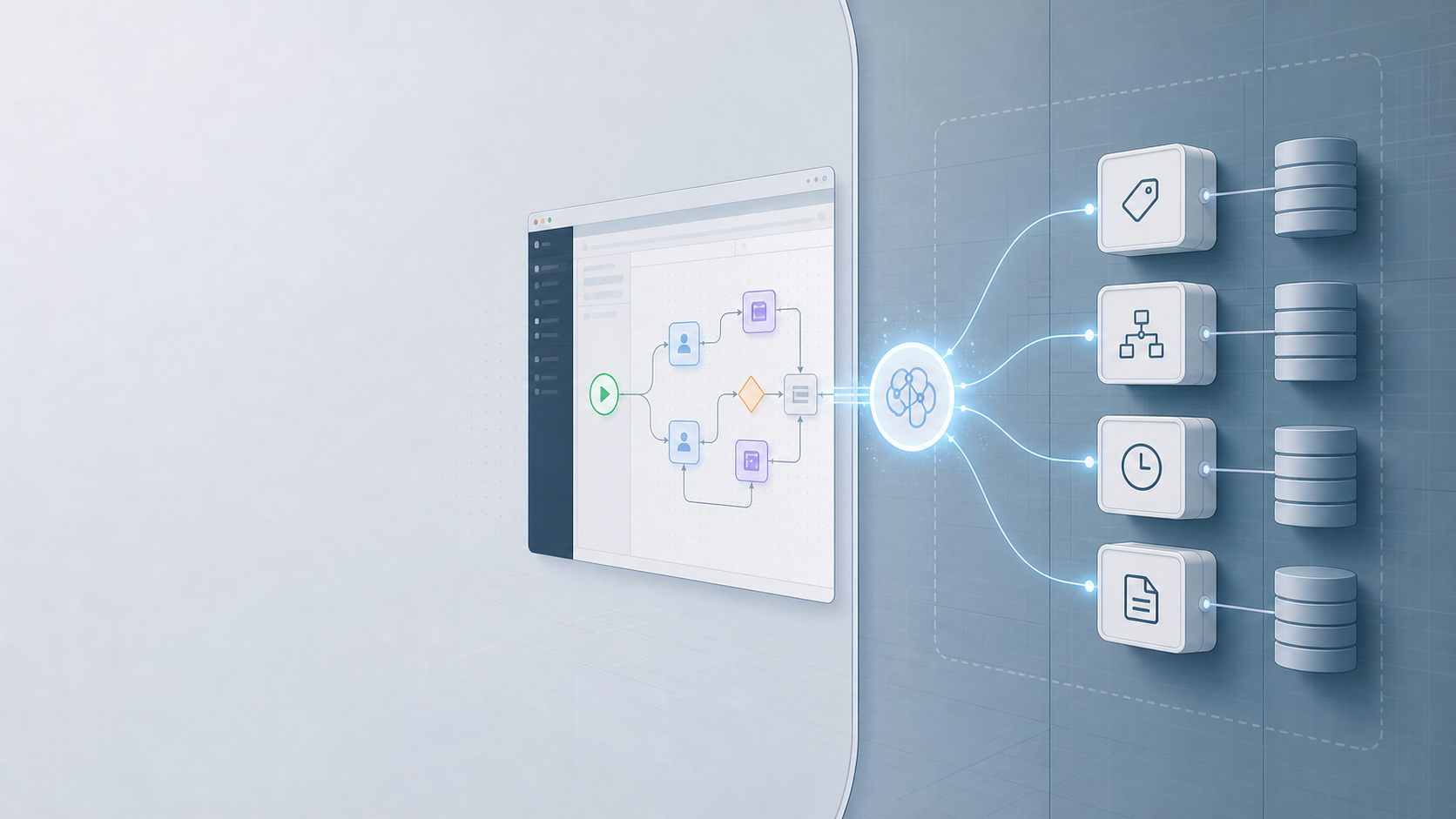
A practical look at the new Weaver grounding tools in Elsa 3.8 and why the AI assistant needs server-side workflow context rather than model memory.
Elsa 3.8's Weaver grounding work gives the assistant server-side tools for activities, workflow definitions, runtime instances, incidents, and workflow proposals. The implementation landed across Core and Studio in elsa-core PR #7704 and elsa-studio PR #900, with the server retaining the actual workflow context.
That sounds obvious, but it is the difference between a chat feature that gives plausible workflow advice and one that can help with the system in front of you.
Elsa workflows are not just generic diagrams. A real host has a specific activity catalog, custom activities, workflow definitions, tenant boundaries, runtime state, incidents, and persistence rules. If Weaver is going to explain a workflow, inspect a failed instance, or propose a new definition, it cannot rely on model memory of what Elsa usually looks like.
It needs grounding.
The interesting part is not just "Elsa has AI tools now."
The more important part is where the boundary sits.
Key Takeaways
- Weaver tools are registered server-side, so the assistant can ask Elsa for bounded workflow evidence.
- Workflow creation and update are proposal-only paths, not direct writes to the workflow store.
- Studio discovers AI capabilities from the server instead of assuming every host exposes the same features.
This is the AI counterpart to a broader Elsa 3.8 theme: make operational behavior explicit. You can see the same direction in workflow alterations, structured logs, and OpenTelemetry diagnostics.
Why should the server own the truth?
The new Elsa.AI.Host module is deliberately provider-neutral. Its server surface owns chat orchestration, context resolution, tool registration, proposal governance, audit, and Studio-facing capabilities. Provider SDK details stay outside that surface.
Weaver grounding is the server-side evidence layer that lets the assistant ask Elsa what activities, workflows, instances, incidents, and proposal capabilities are actually available. In our experience, that layer matters more than prompt polish once the assistant is used against a real host.
In practice, that keeps the useful context where it already lives: inside Elsa Server, behind the same module composition, tenancy, authorization, persistence, and operational rules as the rest of the application.
That matters because the useful context is not in the browser and it is not in the model provider. It lives in Elsa Server:
- installed activity descriptors from
IActivityRegistry, - workflow definitions from
IWorkflowDefinitionStore, - runtime instances from
IWorkflowInstanceStore, - proposal storage through
IAIProposalStore, - and the existing authorization, tenancy, and module composition rules around those services.
So the grounding tools are registered as server-side IAITool implementations. Weaver can ask the server for bounded, redacted evidence. Studio can render tool activity and capabilities. The provider can participate in the agent loop. But the raw workflow/runtime data does not have to move into a browser-side AI integration.
That is the right default for a workflow product.
What can Weaver ask for?
The initial grounding surface is small enough to understand, but broad enough to be useful. It covers four families: activities, workflow definitions, proposals, and runtime inspection.
Activity tools:
activities.search
activities.getDescriptor
Workflow definition tools:
workflows.search
workflows.getDefinition
workflows.getDefinitionGraph
workflows.findUsages
Proposal-only workflow tools:
workflows.validateDraft
workflows.proposeCreate
workflows.proposeUpdate
Runtime inspection tools:
instances.search
instances.get
instances.getExecutionHistory
instances.getActivityState
incidents.search
incidents.get
That list says quite a lot about the intended use cases.
For workflow authoring, Weaver should be able to discover the actual activities installed in the current server, inspect their inputs and outputs, and validate a draft against that reality.
For existing workflows, it should be able to retrieve definitions, summarize graphs, and answer questions like "where do we use this activity?"
For operations, it should be able to inspect a workflow instance, execution history, activity state, and incidents, without turning runtime state into a free-for-all.
There is a quiet but important constraint in the implementation: tool results are bounded and redacted before returning to the model or Studio. The public grounding result model has a summary, items, total/returned counts, truncation state, optional cursor, evidence references, and warnings.
In other words, the tool response is shaped like evidence, not like an unbounded dump of server data.
That is a practical detail, but it is one of the details that makes this kind of feature survivable.
Why are workflow changes proposal-only?
The workflow proposal tools are intentionally not "save this workflow" tools. They create reviewable AIProposal records, which is a safer boundary for executable workflow behavior than letting a model write directly to the workflow store.
workflows.proposeCreate creates an AIProposal with a workflow payload, rationale, validation diagnostics, graph diff, tenant/conversation metadata, and creator information. It writes to IAIProposalStore.
It does not persist a workflow definition.
The README says this plainly: workflows.proposeCreate and workflows.proposeUpdate write only to the proposal store. Approval and apply remain separate governed actions.
That design choice is easy to underestimate.
The tempting demo is to ask an assistant to create a workflow and have it immediately appear in the designer. The safer product boundary is less flashy: create a proposal, validate it, show the diff and diagnostics, and require an explicit governed action before it becomes a real workflow definition.
That is especially important in Elsa because workflows are executable system behavior. They can call services, wait on events, move data, send messages, and affect long-running business processes. A generated workflow draft is not just content. It is potential runtime behavior.
Proposal-only mutation keeps Weaver useful without pretending the model should have direct write access to the workflow store.
How does Studio discover AI capabilities?
Studio follows the same boundary. Elsa.Studio.AI calls Elsa-owned endpoints and renders what the server says is available, rather than baking provider assumptions into the browser.
Elsa.Studio.AI talks to Elsa-owned endpoints:
GET  /ai/capabilities
GET  /ai/tools
POST /ai/chat
The Studio module intentionally does not reference provider SDKs or call model providers from the browser. It renders a Weaver workspace, capability status, supported context attachments, tool activity, and proposal events based on server contracts.
The /ai/capabilities endpoint is doing more than returning a feature flag. It reports whether streaming is available, whether conversation persistence is durable, whether proposal review is available, which attachment kinds are supported, which agents exist, and which grounding families are available.
The grounding families are reported as provider-neutral descriptors:
activitiesworkflowsproposalsruntime
Each descriptor includes tool names, attachment kinds, availability, and disabled reasons.
That means Studio can avoid lying to the user. If the server does not have an IWorkflowInstanceStore, runtime grounding can report that it is unavailable. If proposal storage is not registered, proposal grounding can say so. If a grounding family is disabled by configuration, Studio does not need to guess.
This is the part I like most about the design. The UI is not hard-coded around one ideal backend. It asks the backend what is actually possible.
The model should not be the integration boundary
There is a broader lesson here that goes beyond Weaver. If you build AI into a business application, prompts are not the architecture. The architecture is the boundary around data, permissions, tools, side effects, and review.
For Weaver, that boundary is:
- server-side tools,
- authorized Elsa data sources,
- bounded and redacted results,
- provider-neutral Studio contracts,
- proposal-only workflow mutations,
- and explicit capability discovery.
That still leaves plenty of hard work. Tool quality matters. Validation needs to keep improving. Proposal review needs to feel natural. Runtime inspection has to be careful about sensitive state and tenant scope. None of this becomes solved because there is an assistant in the UI.
But the direction is right.
Weaver should not be a chatbot that happens to sit next to Elsa Studio. It should be an Elsa-aware assistant whose answers are grounded in the host it is connected to, and whose write path respects the same operational boundaries as the rest of the product.
That is less dramatic than a one-click AI demo.
It is also much closer to something I would trust in a real workflow system.